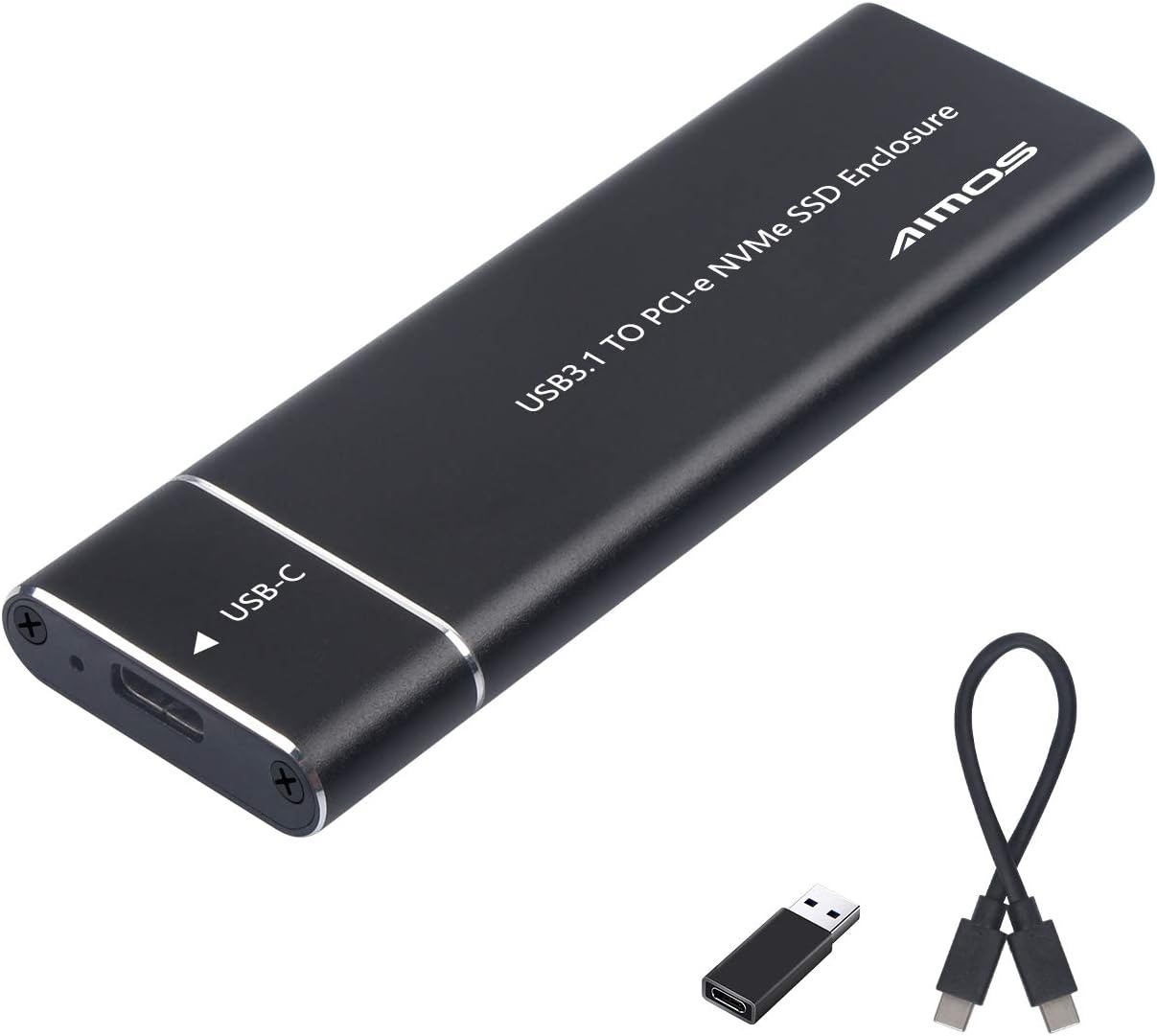
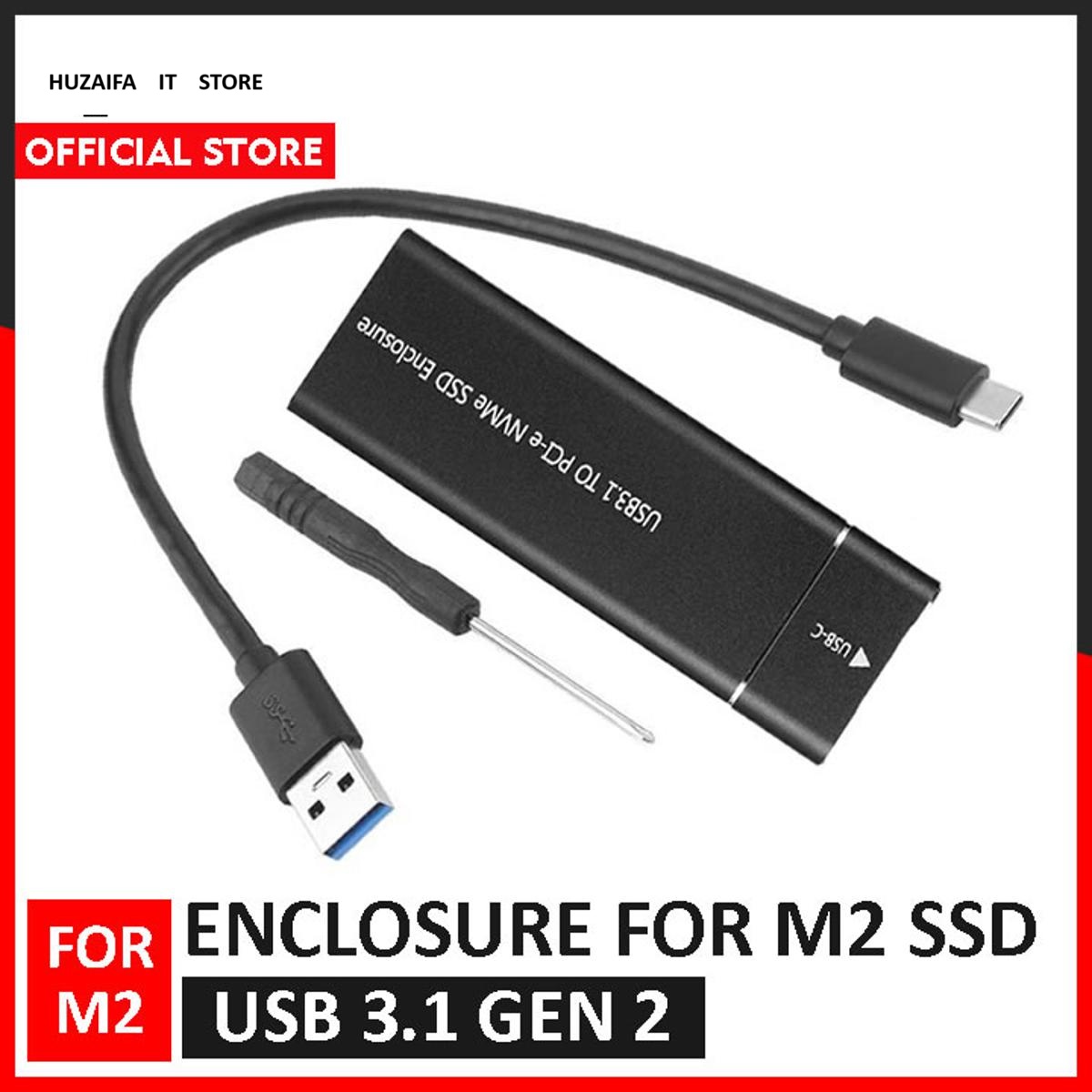
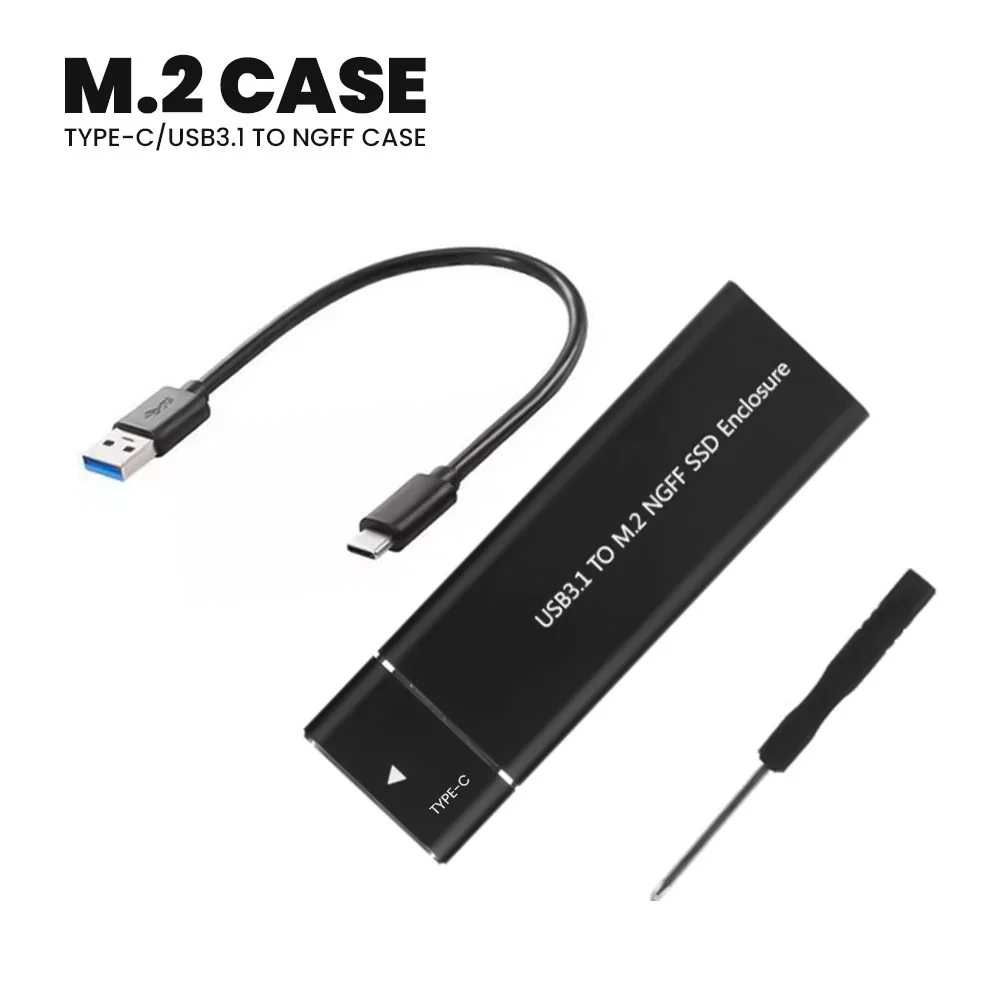
Features:
Title: M2 Ssd Enclosure, Usb 3.1 Gen 2 (10 Gbps)
Detail:
Parameters;
M.2
Product Interface; USB3.0 Micro B/USB 3.1 Type-C (Gen 1)
Compatible Devices: Computer(Desktop, Laptop)
TV: Smart TV With USB Interface.
Mobile Phone: (Android System / OTG Function / Output 1.2A Or More, Cable Purchased ).
System Support; Win 7, Win 10, IOS
Support Hard Disk: M.2/NGFF (2230/2242/2260/2280)
Description:
The M.2 SSD Enclosure, USB 3.1 Gen 2 (10 Gbps) is an external storage solution designed to house M.2 SATA and M.2 NVMe SSDs. This enclosure allows users to transform their internal M.2 SSDs into external drives, enabling faster file transfers, easy access to large data, and enhanced portability. With the USB 3.1 Gen 2 interface, this enclosure delivers high-speed data transfers at up to 10 Gbps, making it an ideal choice for users looking to maximize the performance of their SSDs.
Key Features of the M.2 SSD Enclosure, USB 3.1 Gen 2 (10 Gbps):
1. USB 3.1 Gen 2 for Blazing-Fast Data Transfer (Up to 10Gbps):
The USB 3.1 Gen 2 interface offers a maximum data transfer rate of 10 Gbps, ensuring fast and efficient file transfers.
With speeds up to 10Gbps, this enclosure is perfect for large file storage, transferring media content, creating backups, or expanding storage for demanding applications such as video editing, gaming, and 3D modeling.
2. Compatibility with M.2 SATA and M.2 NVMe SSDs:
The enclosure is compatible with both M.2 SATA and M.2 NVMe SSDs, supporting the 2230, 2242, 2260, and 2280 form factors, making it highly versatile for different M.2 SSD models.
Whether you’re working with SATA or NVMe SSDs, this enclosure supports both, ensuring that users can enjoy high-speed external storage regardless of the type of SSD they have.
3. Tool-Free Installation:
The M.2 SSD Enclosure features a tool-free design, allowing for quick and easy installation. No screws or tools are required to set up your drive; simply slide open the enclosure, insert your M.2 SSD, and close it. This user-friendly design makes it convenient to switch SSDs and set up your external storage in seconds.
4. Durable and Lightweight Design:
Constructed with high-quality materials, the enclosure is lightweight yet durable, offering solid protection for your internal M.2 SSD.
The outer casing is often made of aluminum alloy, ensuring efficient heat dissipation, preventing your drive from overheating during long periods of use, and extending the life of your SSD.
5. Plug-and-Play and Hot-Swap Functionality:
The enclosure supports plug-and-play functionality, meaning it works without the need for additional drivers or software installation. Simply connect it to your system via USB, and the drive will be ready for use.
Hot-swap support allows users to insert or remove the SSD while the system is running without shutting it down, offering flexibility and ease of use.
6. Universal Compatibility:
The M.2 SSD Enclosure is compatible with both USB-C and USB-A ports, ensuring it works with a wide range of devices, including laptops, desktops, game consoles, and more.
It works seamlessly with various operating systems, including Windows, macOS, and Linux, allowing users to use it across multiple platforms.
7. LED Indicator:
The enclosure comes with a LED indicator light that shows the status of the device. The LED lights up when the drive is powered on and functioning, and it may blink when data is being read from or written to the SSD, giving users a visual indication of activity.
8. Efficient Heat Management:
The aluminum casing serves as an effective heat sink, ensuring the enclosure helps dissipate heat during high-speed data transfers, keeping your SSD cool and operating efficiently. This heat management is particularly important when using the enclosure for long sessions or large data transfers.
How to Use the M.2 SSD Enclosure, USB 3.1 Gen 2 (10 Gbps):
Open the Enclosure:
Insert Your M.2 SSD:
Place your M.2 SATA or NVMe SSD into the appropriate slot (supports 2230, 2242, 2260, and 2280 form factors). Ensure the SSD is firmly connected to the internal interface.
Close the Enclosure:
Connect to Your Device:
Access Your Data:
Your system will automatically recognize the SSD once connected. You can then begin accessing, transferring, or backing up your data. If needed, the drive will show up as an external device in your operating system.
Specifications:
Product Type: M.2 SSD External Enclosure
Interface: USB 3.1 Gen 2 (up to 10 Gbps)
Supported SSD Types: M.2 SATA, M.2 NVMe SSD
Supported SSD Form Factors: 2230, 2242, 2260, 2280
Material: Aluminum Alloy (for heat dissipation and durability)
Data Transfer Speed: Up to 10Gbps (via USB 3.1 Gen 2)
Compatibility: Windows, macOS, Linux
Connector Types: USB-C (with USB-A cable included)
Plug-and-Play: Yes
Hot-Swap Support: Yes
LED Indicator: Yes (indicates power and data activity)
Dimensions: Compact and portable design
Operating Temperature: Standard range (typically 0°C to 70°C)
Weight: Lightweight for portability
In the Box:
Conclusion:
The M.2 SSD Enclosure, USB 3.1 Gen 2 (10 Gbps) is a high-performance and reliable external storage solution for users who want to convert their M.2 SATA or M.2 NVMe SSDs into portable external drives. With USB 3.1 Gen 2 providing transfer speeds of up to 10Gbps, this enclosure ensures fast data access and file transfers. Its tool-free installation, compact design, and aluminum casing make it ideal for users who need a reliable, easy-to-use, and high-speed external storage device. Whether you're using it for backups, file storage, or data transfers, this enclosure is the perfect way to maximize the performance and portability of your M.2 SSDs.