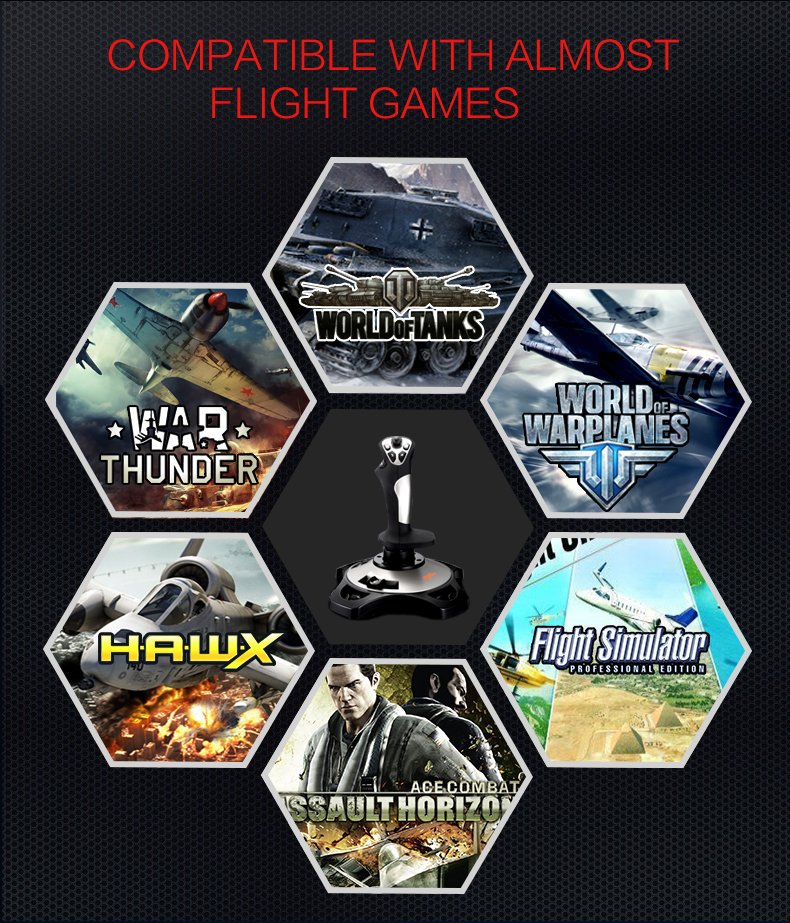



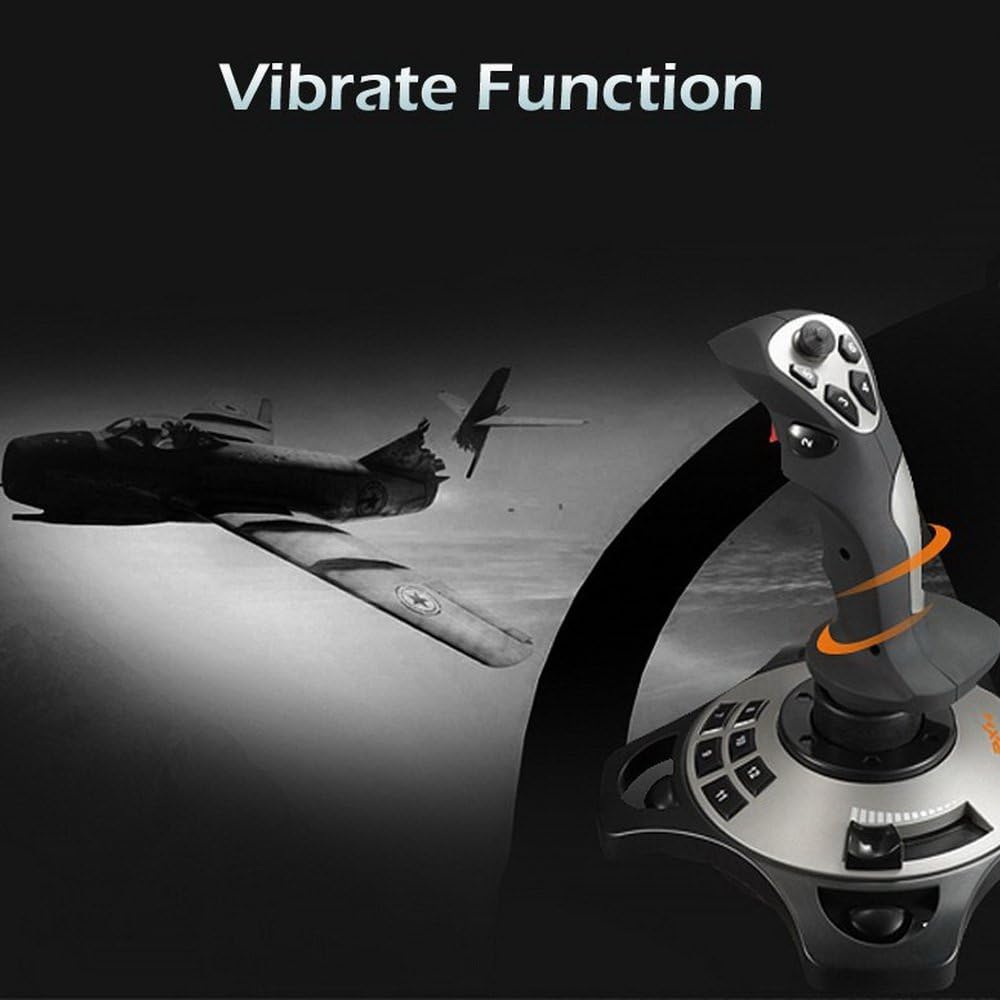
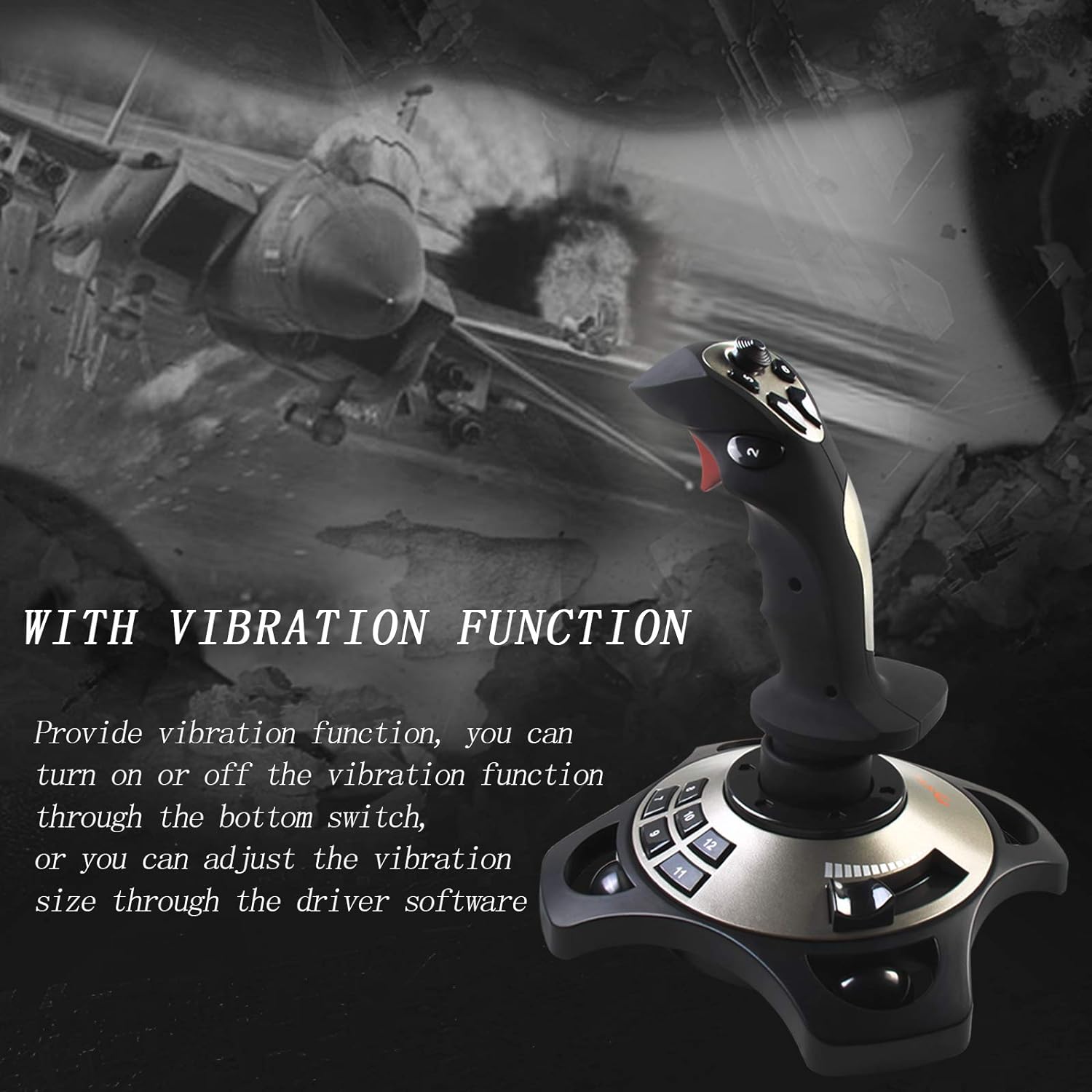


According to the game scene, the full rated vibration engine can produce different vibration effects, compatible with all flying games: "World of Tanks", "World of Warplanes", "War Thunder", "Assault Horizon", Microsoft Simulator, X Plane 10, etc. (Note): Minecraft is not supported, pitch 8). (Note: The vibration switch is located at the bottom of the joystick, please switch to "ON". If the vibration intensity is less than 20%.
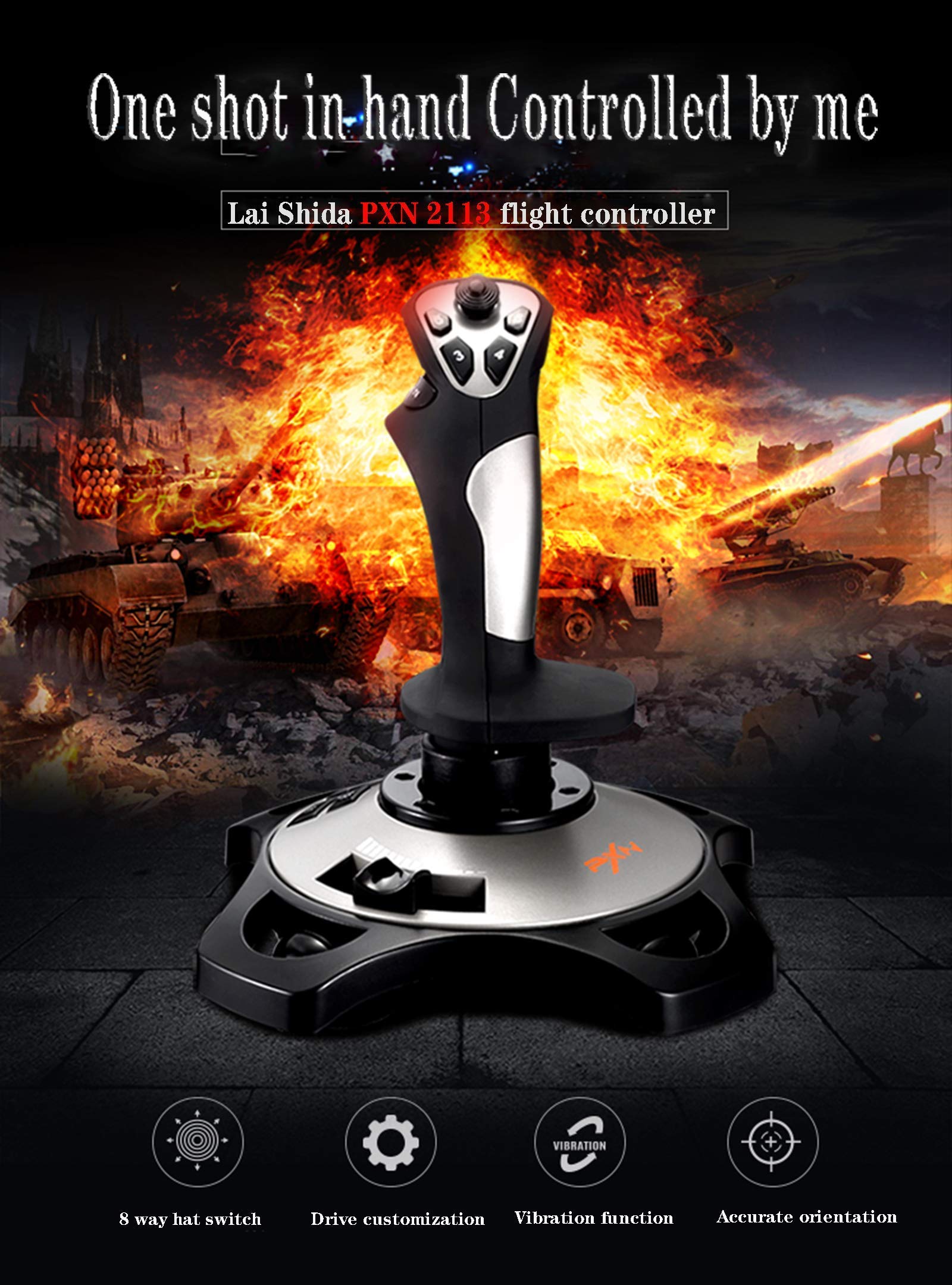
PXN 2113 wired gamepad flying stick, advanced software, supports various custom adjustments and keyboard mapping. Suitable for PC/computer/laptop and compatible with Windows XP/VISTA/7/8/10 (Windows 10 Home Edition, Mac/Apple computer/Apple device is not supported).
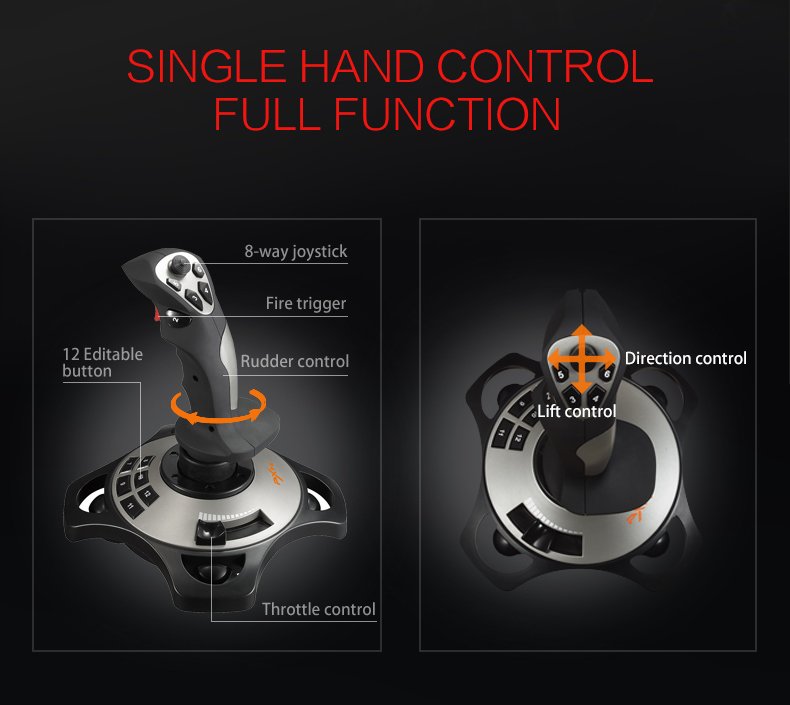
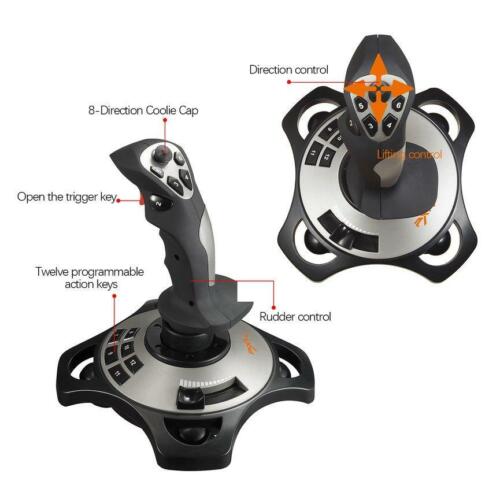
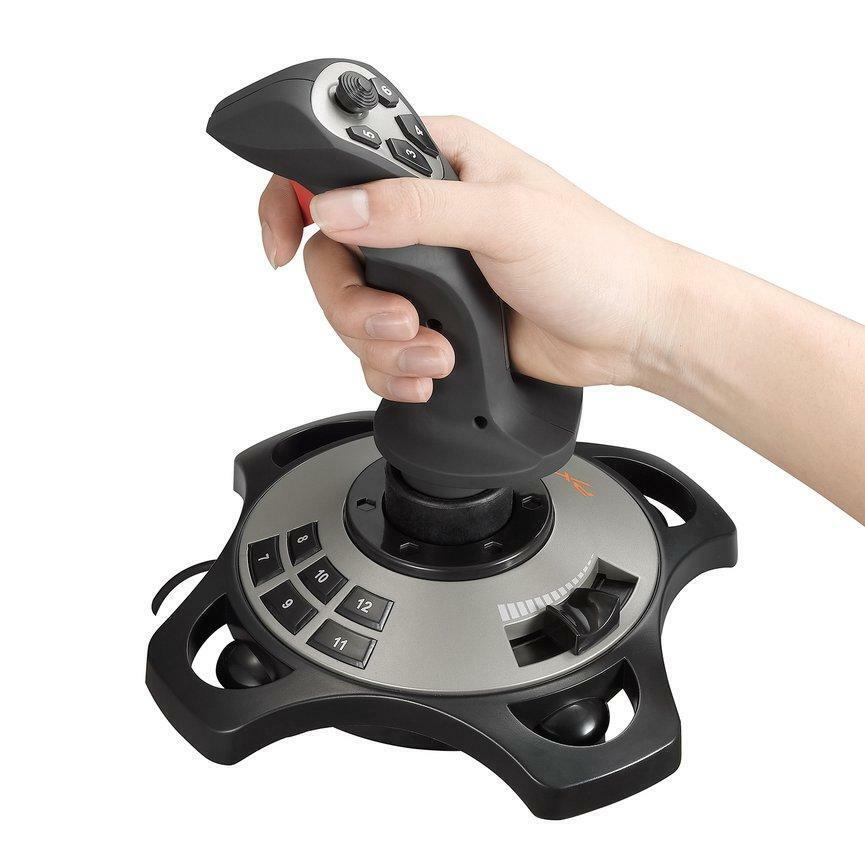
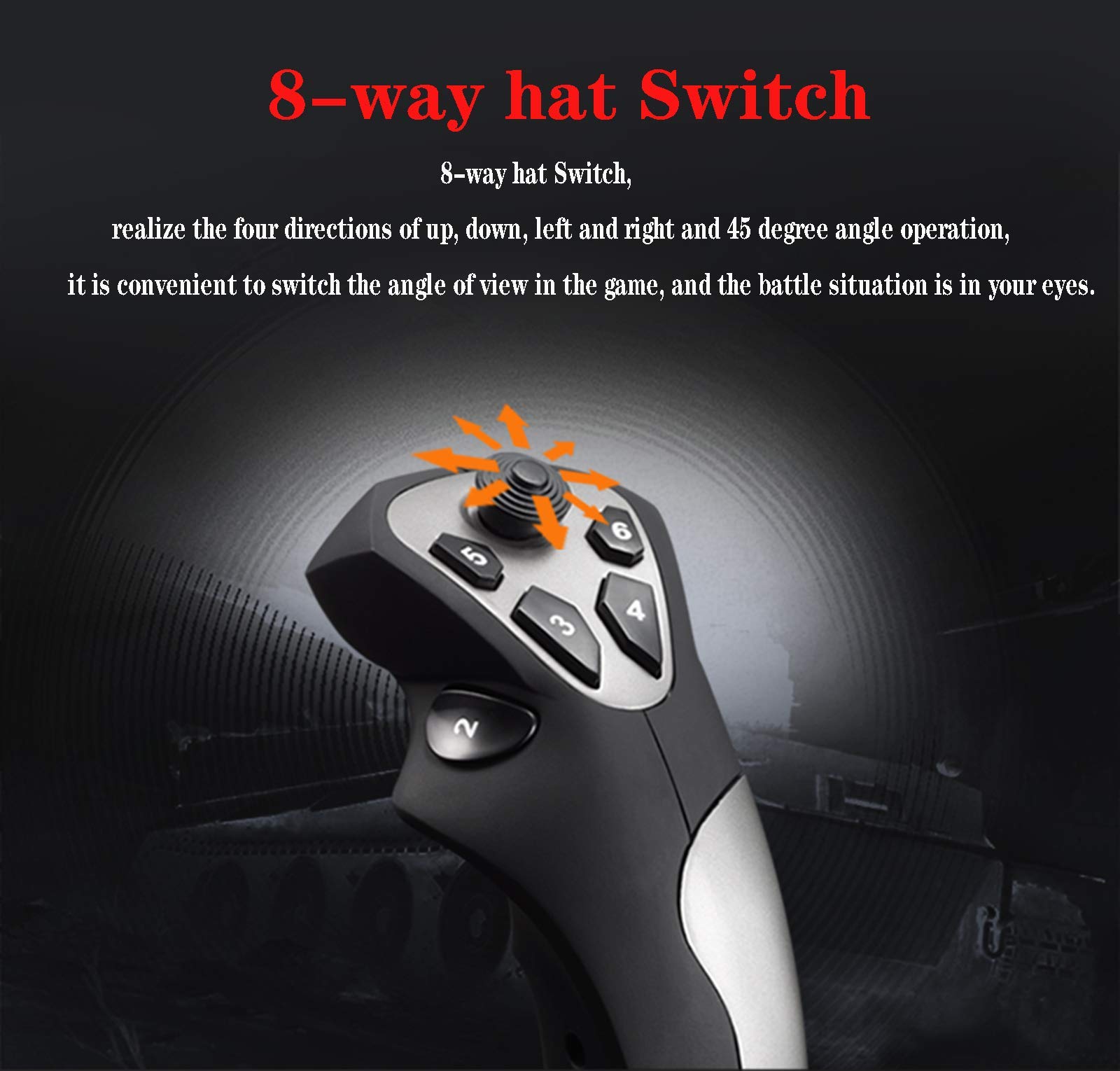
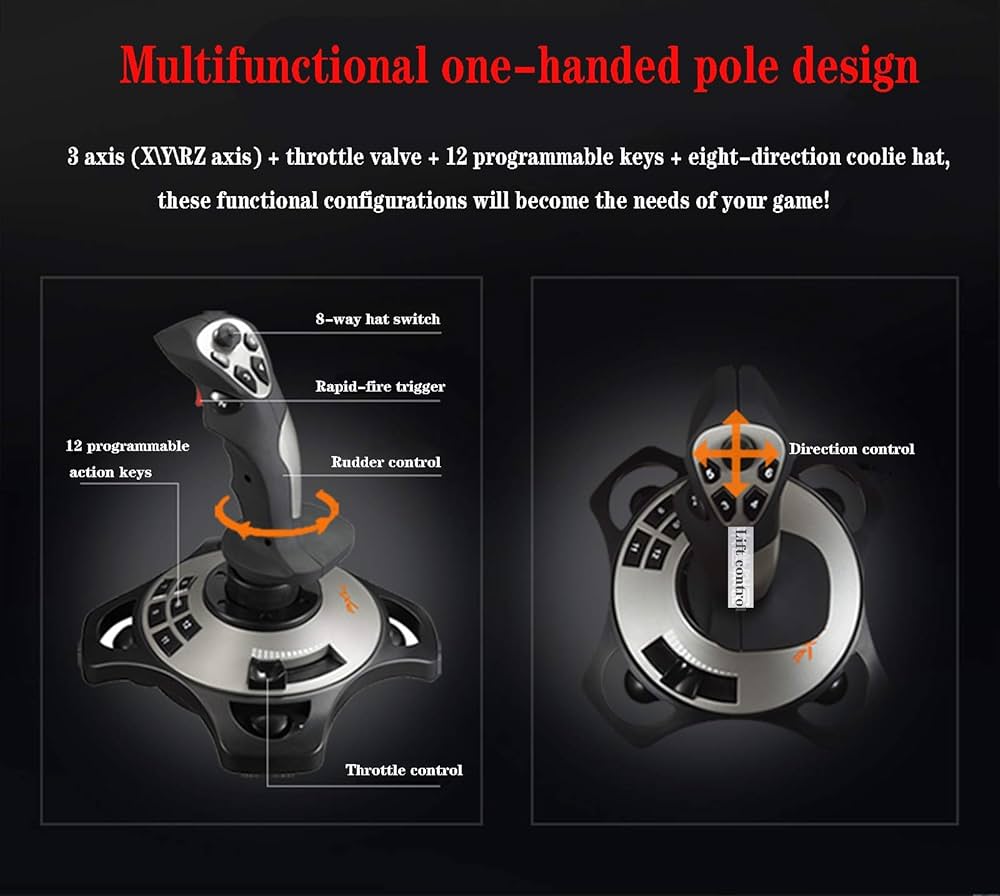
Directional coolie cover, realizing the top left, right four directions and 45 degree angle, convenient to change perspective in the game, the battle situation is in sight..Three axes (X / Y / RZ axes) + Accelerator valve + 12 programmable keys + eight-way cover, these functional configurations will become the needs of your game.
Manipulate the swing and chase army planes, block, aim and pull the trigger successfully. Shooting is so simple.The controller software supports keyboard and mouse settings, dead zone adjustment, key mapping, axis mapping and many other custom settings to create your personal customization according to the needs of the game.
Installation:Insert driver disk into your CD-ROM, double click “setup” and install the driver according to the prompt.If you don t have a CD-ROM on your PC, please go to www.e-pxn.com to download and install the driver at: Home Support Driver Download.Download “PXN Thunder PRO PXN-2113” driver program and unzip and install it following the instruction.